
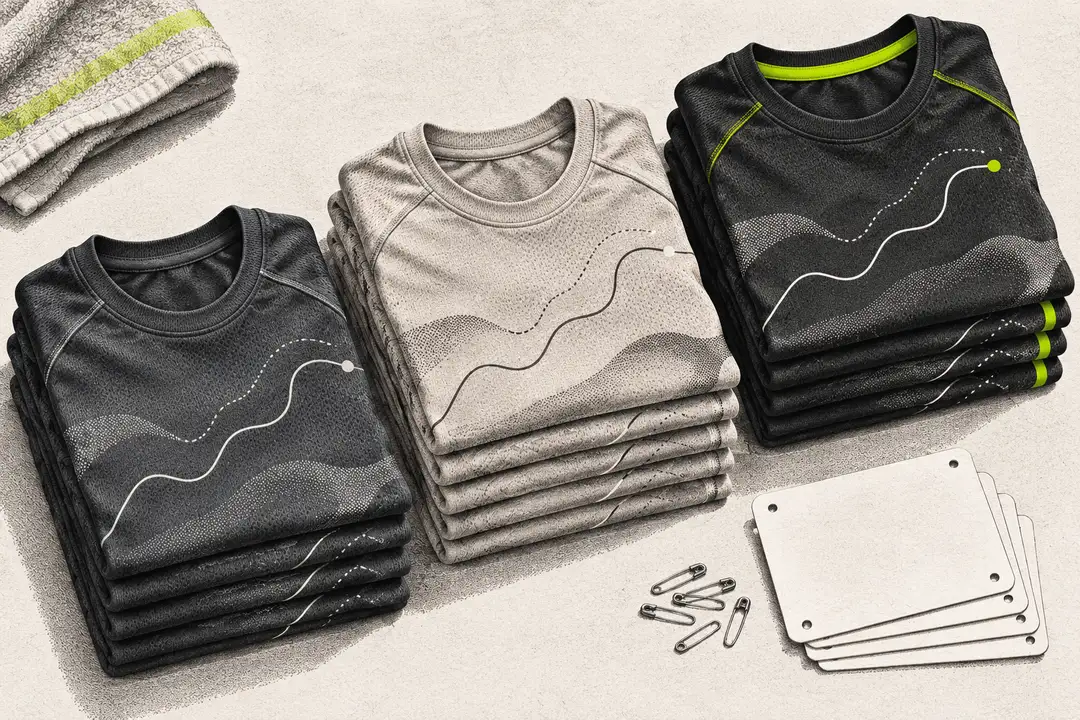
Order one shirt per guaranteed claim, then add sponsor and volunteer commitments, paid extras, and a separate reserve for late registrations and size exchanges. Count each by garment and size. If 220 people have registered but 24 declined a shirt, you’re starting with 196 participant shirts before covering any of those other commitments.
The easiest time to prevent a shortage is before registration opens. Decide who gets a shirt, when the guarantee ends, and what’s available to people who sign up later. Then give your printer the date the shirts need to be in hand. If packet pickup opens on Thursday for a Saturday 5K, leave enough time before Thursday to receive, count, and sort the order.
Calculate how many race shirts to order
Start with a timed export at the cutoff. Include every race or distance that shares the shirt, then reconcile opt-outs, cancellations, and transfers against your event’s policy before totaling the sizes. If you also sell shirts through an add-on or store, check those reports for paid units. RunSignup treats its giveaway, add-on, and store tools as separate inventories, so a single report can miss commitments. Match overlapping records to the orders they represent. One runner might have a guaranteed shirt and legitimately pay for a second one. RunSignup participant reports · RunSignup merchandise setup
Say you have 220 active registrants at the cutoff. Of those, 190 selected a shirt, 24 declined, and six have missing choices. For this example, the race promised shirts to all registrants who didn’t decline. After contacting the six, the team records their sizes and reserves 196 participant shirts. The race also owes six sponsor shirts in the same style and has a 20-person volunteer roster in a different color.
| Order line | Size breakdown | Quantity |
|---|---|---|
| Guaranteed participant shirts | Adult XS 8, S 32, M 58, L 46, XL 28, 2XL 12, 3XL 4, youth M 4, youth L 4 | 196 |
| Sponsor allocations | Adult S 1, M 2, L 2, XL 1 | 6 |
| Late-registration extras | Adult S 2, M 5, L 3, XL 2 | 12 |
| Exchange reserve | Adult M 1, L 1, 2XL 1, youth L 1 | 4 |
| Volunteer shirts in a separate color | Adult S 3, M 6, L 6, XL 4, 2XL 1 | 20 |
| Total print order | 218 participant-design shirts and 20 volunteer shirts | 238 |
The race has no paid add-ons in this example. Ask the printer how the 20 volunteer shirts are counted for minimums and setup, since they’re a separate color.
For a first-year event, use your current registration mix as a starting point for extra sizes. Cap what you make available and keep guaranteed shirts reserved for their recipients.
Build the late-registration reserve from the number of shirts you expect people to claim after the cutoff. Suppose your race had 25 late signups last year, and 12 picked up a shirt under the same availability policy. Start this year’s estimate at 12, then adjust for changes like a bigger field, a new kids’ race, or a longer registration window. Track any paid shirt preorders separately and add those confirmed pieces to the relevant size and style. For exchanges, use the sizes people needed when they came back to the table, since a medium handed back to you can’t cover an exchange into a large.
For the printer’s order sheet, split the totals by garment model, color, size, and print layout. In this example, even if the adult and youth tees are both navy, they’re separate products. Ask whether the two need different artwork dimensions. The kids’ size range can affect where a long row of sponsor logos will fit.
Build a size menu that matches the shirt
Confirm which sizes are available in the exact style and color before you list them. Give each fit its own label, such as “Adult unisex medium” and “Youth medium,” and link the correct chart next to the choice. If you’re offering two adult fits, describe each one in the menu so the export still makes sense when someone else takes over the order.
Check what the chart measures. The Sport-Tek ST350 spec sheet reports a medium shirt at 21.5 inches across the chest laid flat and lists a 38–40 inch body chest range for medium. To use the flat measurements, lay a tee you already like on a table and measure across at the same point. To use the body chart, measure around your chest as the brand describes. Sport-Tek ST350 measurements and sizing
Set the change deadline and decide what happens after it. Some teams stop taking shirt selections on a set date. Others let later registrants choose from actual inventory once the order is locked. On RunSignup, the Giveaway setup supports inventory by size. Confirm the platform’s instructions before entering quantities. Its simple inventory setup expects total allocated units, including those already claimed. You can also allow participants to update their selection before your order cutoff. RunSignup giveaway inventory · RunSignup participant size updates
Work backward from packet pickup
Your printer needs the in-hand date and delivery ZIP code before confirming the artwork and order deadlines. Ask which approvals and materials are needed to hold the schedule, and leave room to get sponsor approval and sort shirts after delivery.
Here’s an illustrative schedule for a race with Saturday, May 8, packet pickup beginning Thursday, May 6, and a delivery target of Tuesday, May 4. The printer would have to confirm the production and transit window for these dates.
| Example date | Milestone | What should be ready |
|---|---|---|
| March 25 | Set the apparel plan | Confirm the garment options, sample fit, estimated order size, and shirt policy. If registration is already open, check what sizes and dates you’ve promised. |
| April 8 | Collect sponsor artwork | Confirm the sponsor roster, placement commitments, and available logo files. |
| April 15 | Close guaranteed shirt selections | Export sizes and reconcile participants, volunteers, sponsor shirts, and any planned extras. |
| April 19 | Approve the order | Approve the final size breakdown, garment specs, decorated proof, and delivery details. |
| May 4 | Receive and count shirts | Match the cartons to the order and reserve inventory for guaranteed pickups. |
| May 6 | Open packet pickup | Brief staff on how to record pickups, handle exchanges, and release extras. |
Move the shirt cutoff earlier if the print schedule, transit time, or number of approvals requires it. You can keep race registration open after the shirt deadline by telling late registrants exactly what’s available. The Oregon Road Runners Club’s race director manual also recommends putting the shirt deadline in event communications and removing the guarantee once the order goes in. Oregon Road Runners Club race director manual
Pick a shirt based on how people will wear it
A community 5K and a competitive road race can use the same print layout on shirts that feel quite different. Start by deciding what you want participants to do with the shirt. Is it something to throw on after the finish, or a training tee they’ll reach for on their next run?
| What you’re ordering | Where to start | What to check |
|---|---|---|
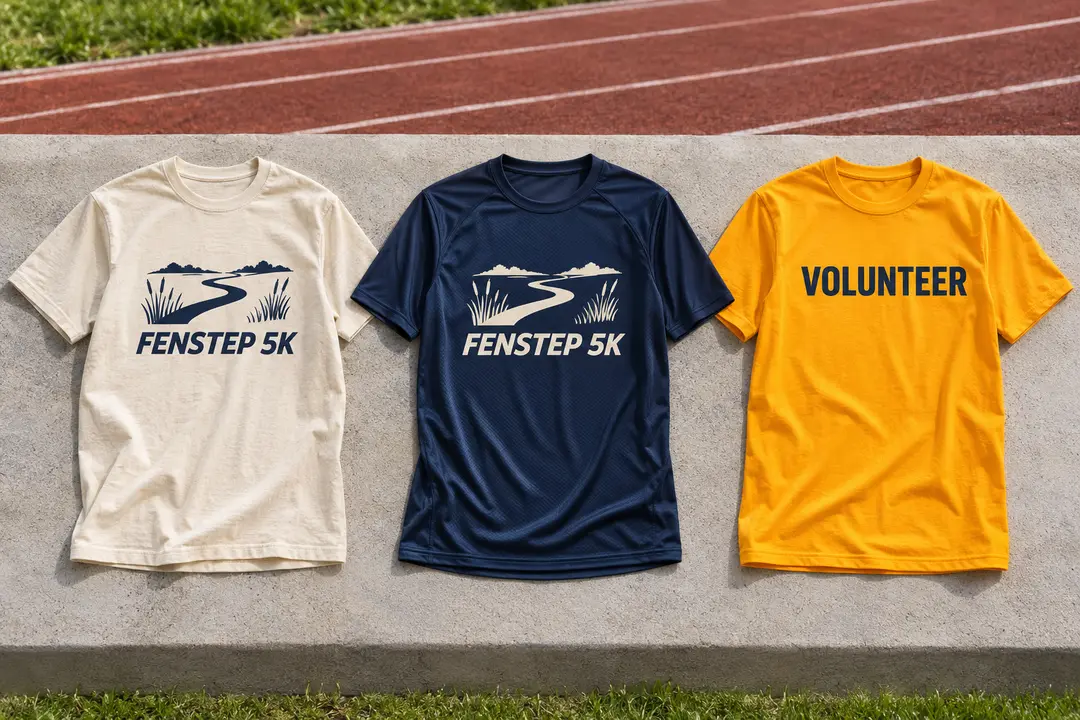
| A keepsake tee for a charity run or family 5K | A lightweight ring-spun cotton tee | Check the selected color’s fabric blend and whether you can source coordinated adult and youth styles. |
| A shirt runners can train in | A lightweight polyester performance tee | Ask the printer about decoration on the exact fabric and color. Try a sample with the print placement in mind, especially if the artwork covers much of the back. |
| A shirt that identifies volunteers | A distinct color with a high-contrast role label | Check legibility at a glance, and see how much of the print is visible when volunteers wear an open jacket. |
| A second fit or a youth shirt | A complementary garment with its own chart | Check the stock and color match, then review how the smallest shirt carries the artwork. |
For a concrete comparison, SanMar lists the Gildan Softstyle 64000 at 4.5 ounces per square yard, with fiber content varying by color. The Sport-Tek ST350 is a 3.8-ounce-per-square-yard polyester performance tee. Those numbers describe fabric weight. Use samples to compare how each feels, hangs, and fits before you publish the size menu. Gildan 64000 spec sheet · Sport-Tek ST350 spec sheet
If you choose performance fabric, have the printer check the exact combination of garment color and ink color. Dye from polyester can migrate into the ink and shift its appearance. On a dark or saturated tee, that can show up as a tint in a pale logo. Ask whether the printer recommends a test or a change to the print setup, especially when a sponsor expects a clean white mark. Avient’s performance wear printing guidance
Collect sponsor logos before the artwork deadline
Have one person track each sponsor’s name, agreed placement, logo file, approval contact, and due date. Decide how to recognize sponsors who come in after proof approval, within whatever your agreements allow.
Ask for original vector artwork, such as AI, EPS, SVG, or a PDF with editable vector shapes, plus a printer-approved one-color version when available. A pixel image embedded in a PDF can still be pixel-based, so have your printer check the artwork as soon as you receive it. Vector shapes can scale without losing their edges, which helps when a single sponsor logo needs to appear on several print sizes. Adobe’s guide to vector files
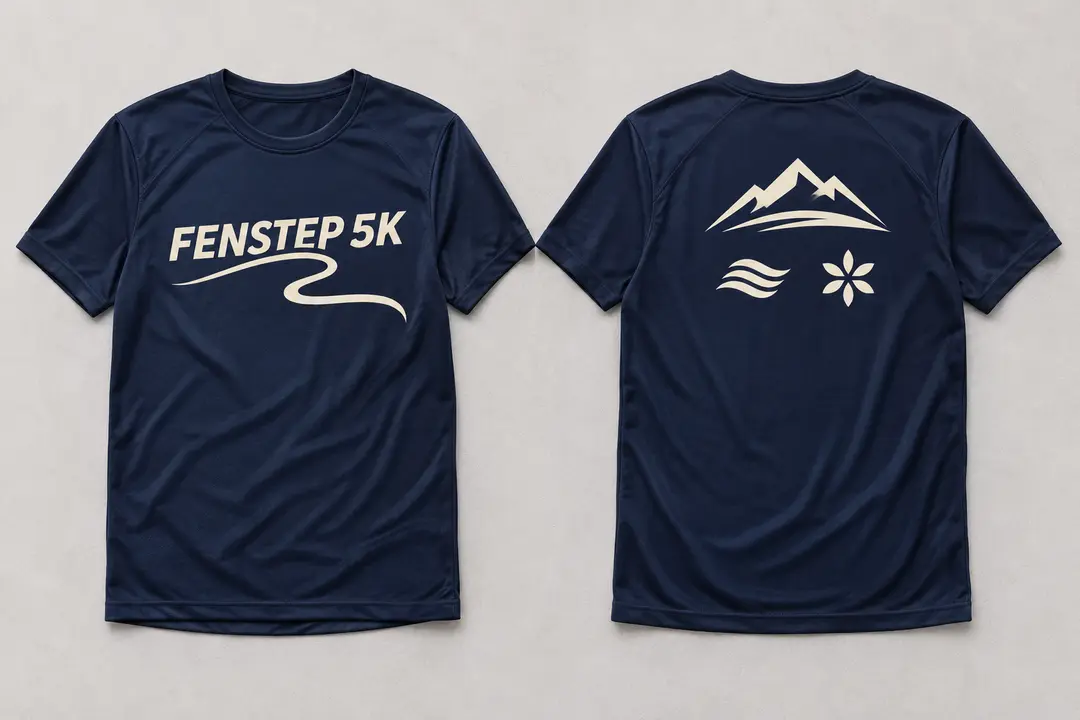
A race mark on the front and a sponsor block on the back gives each its own space. Check the spacing, contrast, the smallest lettering, and the visual weight of each logo. A wide wordmark and a compact badge can look uneven at the same height, so check the overall appearance against the sponsor tiers. If the sponsor block has to fit both youth and adult tees, review the proof at the smallest physical print size you plan to order.
Approve the proof and plan for pickup
Use one final proof with the event name and year, garment style and color, ink colors, print locations and approximate dimensions, and every approved logo. Review the volunteer version too. Have the person who owns sponsor commitments confirm the roster and hierarchy, then assign a single person to send the printer the final approval and size sheet.
When the cartons arrive, count what you received by size and style. Stage volunteer and sponsor shirts away from participant inventory. At packet pickup, check off each claim against the registration or shirt list as you hand out the correct size. Keep the exchange reserve within reach of a designated lead with a simple way to record both sizes in each swap. Decide when unclaimed guaranteed shirts can be released and put that time in the instructions.
Publish when and where shirts can be claimed. If pickup is after the finish, mention it in the pre-race instructions and have volunteers point runners in the right direction. For the 2026 Boston 5K, the B.A.A. directed runners to claim their participant shirts after finishing. B.A.A. Boston 5K athlete information
After the race, record the sizes that ran short, what went out as a late registration or swap, and what came back in the cartons. That gives next year’s organizer a practical record to build from, including whether adults and youth actually needed the same number of extras.
Get a quote for your 5K shirts
Send Strange Planet Printing your in-hand date, delivery ZIP code, runner and volunteer counts, and any artwork you have. We’ll help you choose a shirt and plan what goes on the front and back. Get a quote